We are thrilled to unveil the first version of Retrospect Novus. It is built from the ground up to offer a modern UI for Retrospect's powerful and versatile data protection capabilities. Here are some of the key benefits Novus offers:
Novus introduces practical new capabilities unavailable in the classic Windows or Mac interfaces. For instance, even when the classic Retrospect Windows app runs invisibly in the background on an automated schedule, you can seamlessly monitor and manage it via Novus.
Other key highlights include:
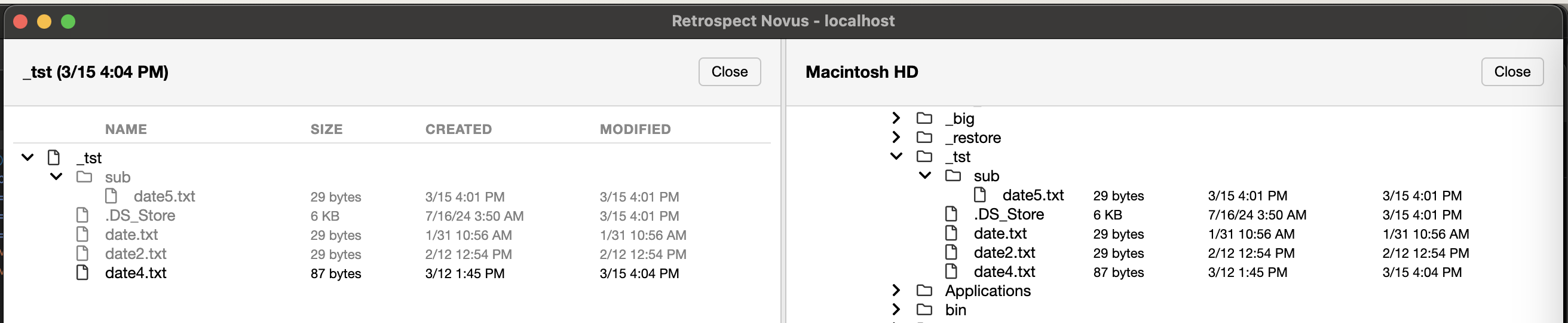
Split View: Compare a backup snapshot (left) side-by-side with a live volume (right) for data clarity.
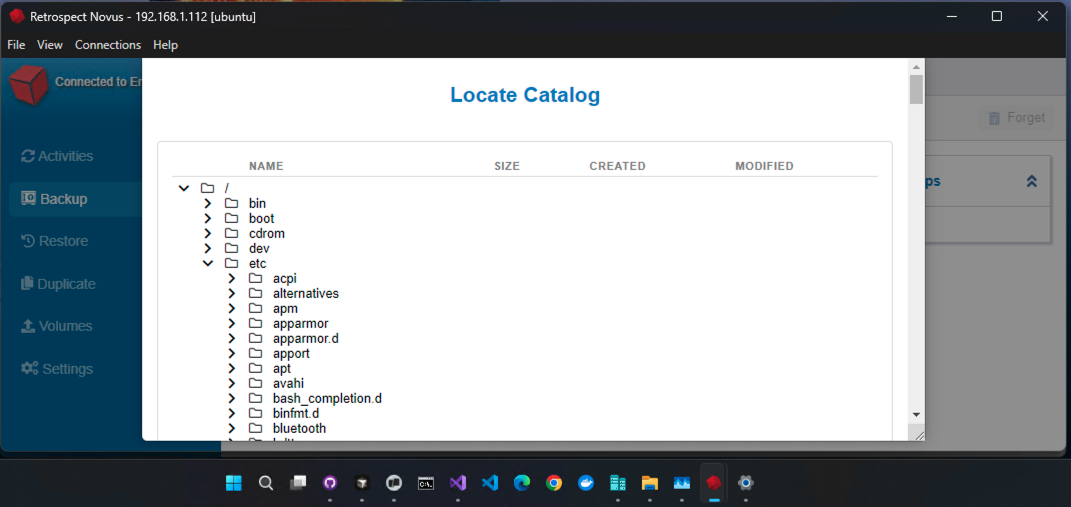
Cross-Platform Control: Novus running on a Windows system to manage a remote Linux Engine over the LAN.
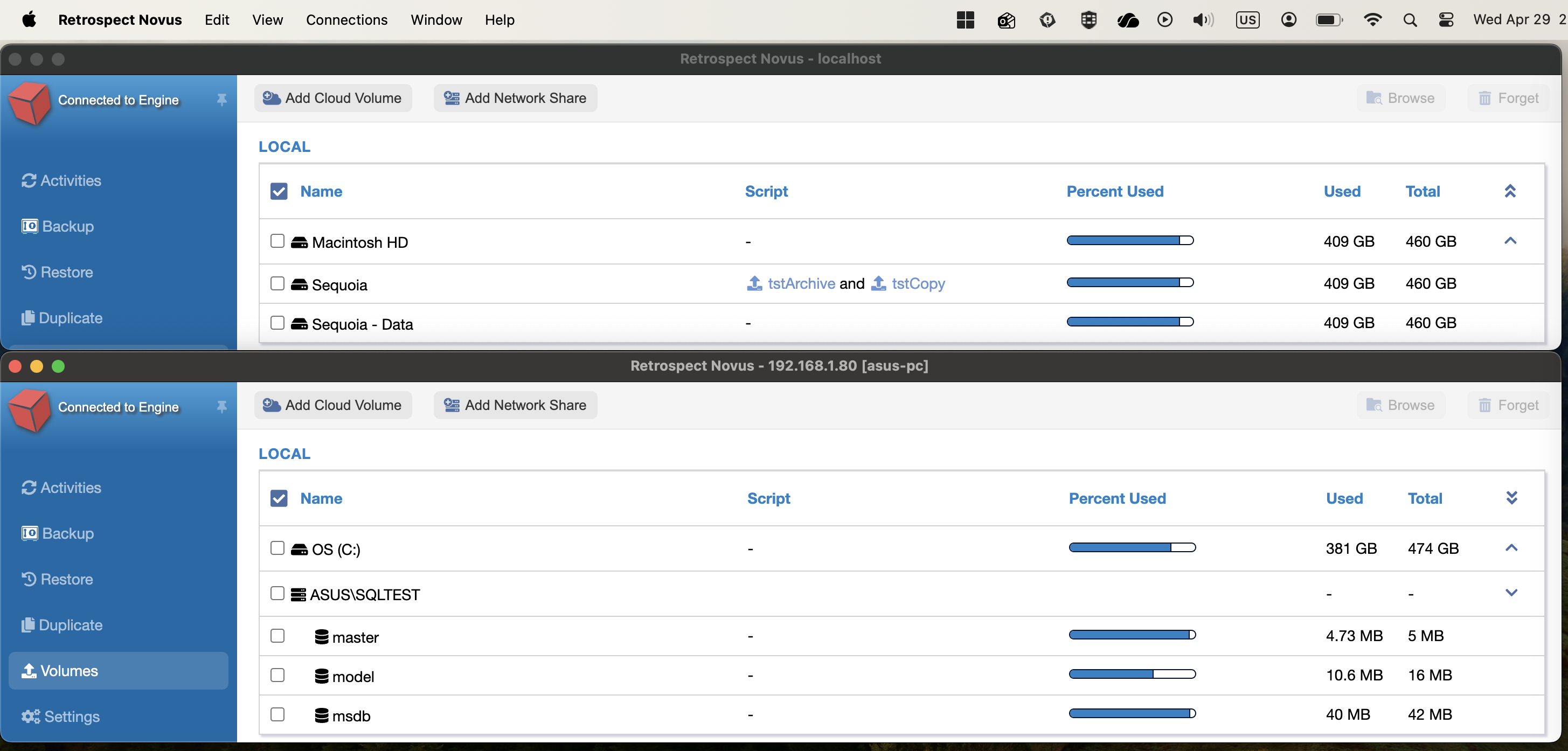
Multi-Instance Management: Concurrent Novus instances running on macOS—one overseeing the local Mac Engine, and the other managing a remote Windows Engine over the LAN.
Novus is designed to coexist seamlessly with your existing deployment. If a specific legacy feature is not yet available in Novus, you can continue to use the classic UI. Both interfaces can run simultaneously on the same system, provided they are not modifying the same Retrospect item (such as a backup set or script) at the exact same time.
Novus features will be added or improved via multiple updates in 2026 and beyond.
Retrospect Virtual supports data protection for Teams in Microsoft Office 365 along with email, Sharepoint, and OneDrive.
Hyper-V 2022 is the latest version of Microsoft's virtualization software, and Retrospect Virtual is now fully certified for it.
Fast data protection is critical in physical and virtual environments. Retrospect Virtual is now significantly faster at backups and restores.
With advanced data deduplication, Retrospect Virtual can now protect larger amount of data in a smaller storage space.
Upgrade Wizard: If you use an earlier version of Retrospect, you may be eligible for upgrade pricing.